Changelogs
Stay up to date with the latest changes and enhancements.
Stay up to date with the latest changes and enhancements.

12. Apr 2026
Share
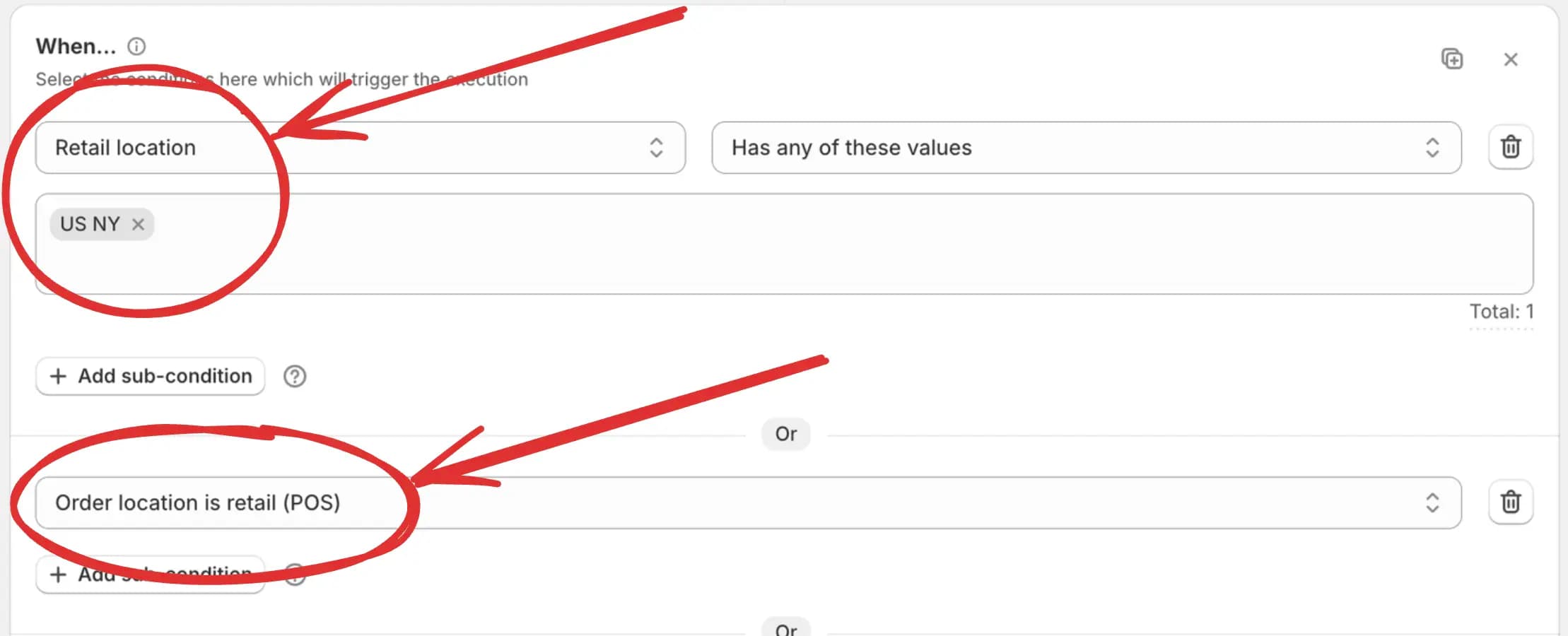
You can detect whether the checkout rule is running in a retail (POS) location or a non-retail (online store).
With the new Retail location, Order location is retail (POS), and Order location is not retail (POS) conditions, you can create sales channel-specific checkout behavior.
For example:
Hide or sort shipping methods differently for POS and online checkout
Apply in-store shipping or discount offers only when the order is created at POS
Keep online-only shipping and discount campaigns from affecting in-store checkout
Use the same rule structure while targeting different sales channels
This gives you cleaner control over omnichannel checkout experiences with simple rule logic.