Changelogs
Stay up to date with the latest changes and enhancements.
Stay up to date with the latest changes and enhancements.

16. May 2026
Share
You can now create discount code rejection rules that do not allow selected discount codes when certain conditions are met.
This helps you protect promotions from being used in the wrong checkout situation, while still letting the same codes work when they should.
For example:
Block a welcome code for wholesale or B2B customers
Stop a code from being used for specific shipping countries, markets, or cart contents
Prevent campaign codes on carts that already qualify for another offer
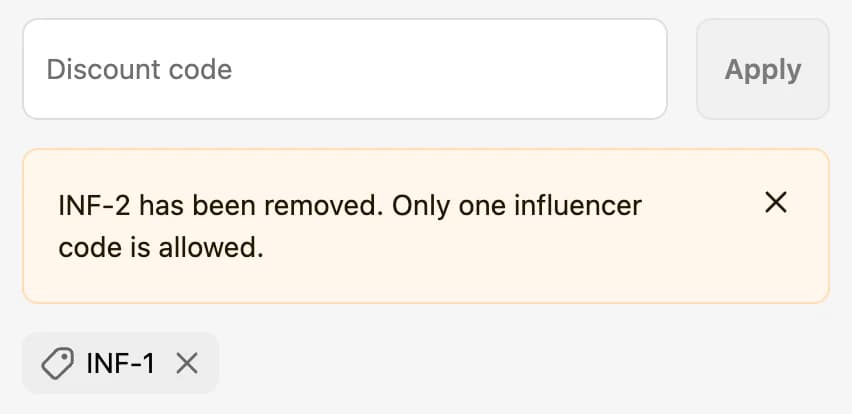
Show customers a clear message explaining why the code cannot be used
Keep discount code rules flexible without creating separate discounts for every scenario
This gives you more control over when discount codes can be used and helps keep promotions aligned with your store's rules.